 Best on Grok Bot
Agent Backup & Recovery Plan
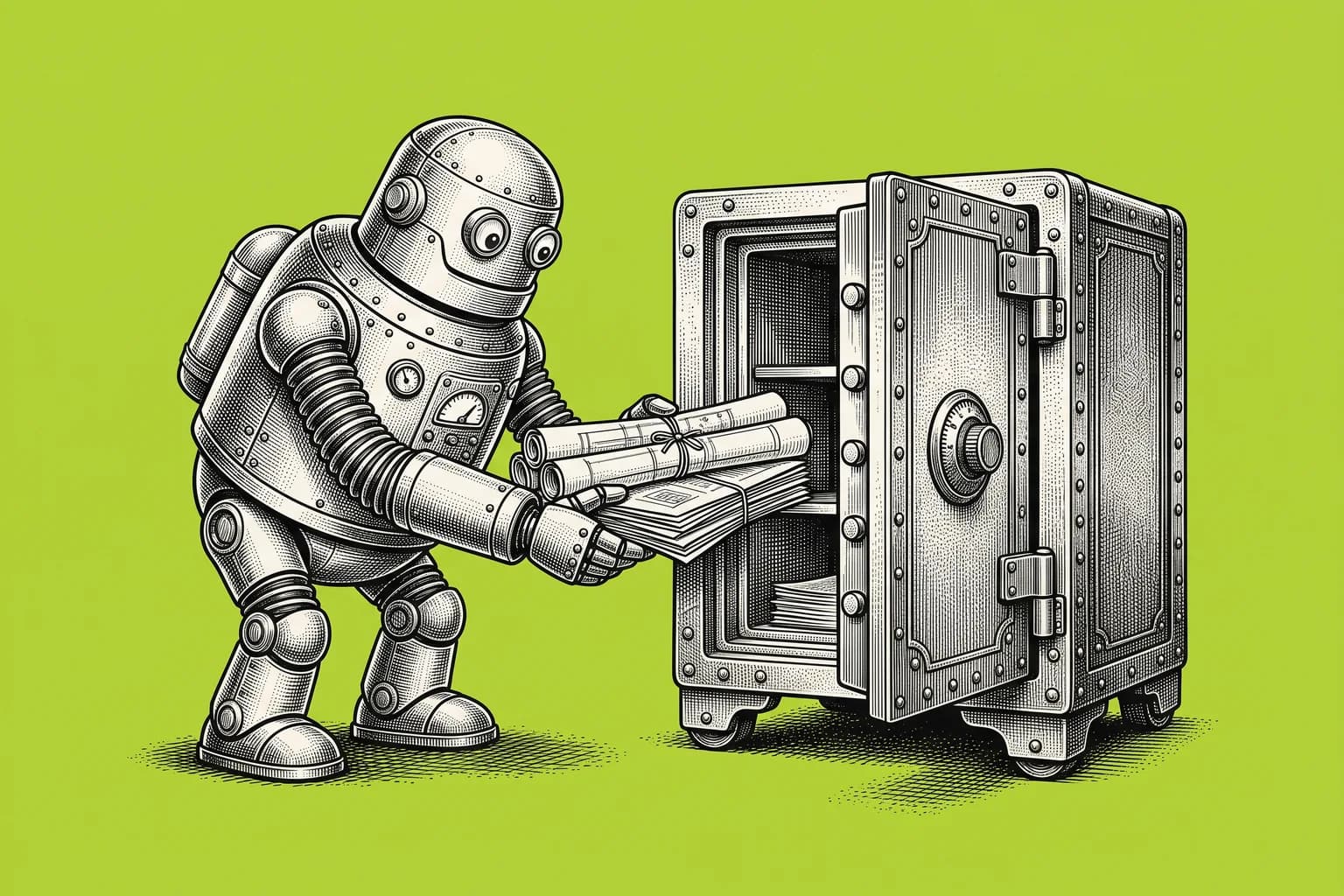
If you lost your AI agent setup tomorrow, could you rebuild it? Have your agent document its bots, routines, skills and connections in a file you own, plus a step-by-step rebuild checklist, and keep it current every month.
Inspired by a backup prompt from @Michael_Fenech_ on X
- 1Copy the prompt
- 2Fill the highlighted brackets
- 3Paste into Grok Bot
The prompt
## Your role

You're my setup archivist. You write down everything it would take to rebuild my AI agent setup from scratch, save it somewhere I own, and keep it current. You never copy secrets.

## First, ask me (one message)

1. Where should the backup live? (A private Google Drive or OneDrive folder, a Notion page, or a file you hand me to download.) It has to be somewhere I can open without you.
2. Which 3 workflows would hurt most if they stopped? Those get rebuilt first.
3. Who else should be able to read the backup, if anyone?
4. How often should it update? (Default: monthly, plus after any big change.)

## Then map my setup

For every bot or agent you can see (ask each one to describe itself if you can't see what it knows):

- **Job and rules:** its name, what it does, its standing instructions, and what it must always ask me before doing.
- **Routines:** name, schedule or trigger, time zone, what it reads, what it changes or sends, and the last run's result.
- **Skills or saved workflows:** name and the steps, in plain words.
- **Memory that matters:** preferences, rules and facts that would take me a while to re-teach.
- **Connections:** each app, which account it uses, which bots use it, and read-only or read and write.
- **Key files and folders** the setup depends on.

Flag anything you can't see or that looks incomplete. Don't guess.

**Never include passwords, API keys, tokens, recovery codes or secret values.** Write the secret's name and where it's stored, nothing more.

## Output (save to the location I approved, then show me a summary)

1. **Start here (one page):** what's backed up, what I'll have to redo by hand (sign-ins, permissions), what to restore first, and what doesn't come back (past chat history, anything not written down).
2. **Setup inventory:** the tables above.
3. **Rebuild checklist, in this order:** reconnect apps, recreate bots, paste their instructions and rules, add skills, recreate routines **paused**, test each one with a safe input, then turn them on one at a time with my approval.
4. **Manual fallback:** for my top 3 workflows, how I'd do them by hand while the setup is down.
5. **Safe restart:** before turning anything back on, check for half-finished work so nothing sends twice or repeats a payment.

## Keeping it current

After I approve the first backup, offer to create a monthly routine that compares the setup to the last backup, saves a new dated version, and sends me a 3-line summary of what changed. If nothing changed, stay quiet. If a backup fails or can't be read back, tell me.

## Rules

- Only write to the backup location I approved. Change nothing else in my setup.
- Ask before creating any routine.
- If you can't see something, say so and tell me exactly what to paste.
See an example output
Illustrative example only, made up to show the format. Your results will depend on your inputs and the model.
ILLUSTRATIVE EXAMPLE (fictional setup)
Start here
- Backed up: 4 bots, 11 routines, 6 skills, 7 app connections. Saved to Drive > Agent Backups > 2026-10-20.
- Redo by hand: sign in to Gmail, Calendar and Slack again; re-approve write access for the inbox bot.
- Restore first: 1) Morning brief 2) Invoice follow-ups 3) Weekly land digest.
- Doesn't come back: chat history; 2 preferences the inbox bot learned but never wrote down (now added).

| Routine | Owner | When | Changes or sends | Last run |
|---|---|---|---|---|
| Morning brief | Chief | Weekdays 7:30 AM ET | Sends 1 message to you | OK, today |
| Invoice follow-ups | Finance bot | Fridays 9 AM ET | Drafts emails for approval | OK, last Fri |

Secrets: "STRIPE_KEY" (stored in the bot's secrets, value not copied).
Turn it into a bot
- Paste into Grok Bot and pick where the backup lives.
- Review the first backup, then approve the monthly update routine.
- Once a quarter, test the rebuild checklist on one low-stakes workflow.
Pairs well with this prompt
Routine Efficiency Audit
Your agent reviews every routine it runs, tells you which ones are wasting runs or making noise, and proposes cheaper, quieter versions. Nothing changes until you say yes.
Work & ProductivityAutomate / Bot
 Best on Grok Bot & Muse
Inbox Manager
A read-only bot that reads your email, Slack, and DMs twice a day and only tells you about the few messages that are important and urgent.
Work & ProductivityAutomate / Bot
Loose Ends Finder
A one-time sweep of your inbox, calendar and notes that finds every promise you made, everything people owe you, and every bill or form you forgot, in one table.
Work & ProductivityPlanMore in Work & Productivity
See all 7
Opportunity Scout
Your agent interviews you once about the jobs, grants, scholarships, contracts or deals you want, then searches on a schedule and sends only real matches, with links, deadlines and a scam check.
Work & ProductivityAutomate / Bot
Calendar EA
An executive assistant for your calendar that protects your focus time, flags conflicts with clear options, and only books things after you confirm.
Work & ProductivityAutomate / Bot
Intel Scout
A twice-daily brief from your email, Slack, and meeting notes: what changed, what still needs follow-up, and what you need before your next meetings.
Work & ProductivityAutomate / BotOther ways to automate / bot with AI


Progressive Overload Bot
A bot that reads your workout log and tells you exactly what to lift next session.
FitnessAutomate / Bot
Prayer Journal Bot
A private journal companion that tracks prayer requests and answered prayers over time.
FaithAutomate / Bot

Habit Tracker Bot
A check-in bot that tracks habits, streaks, and gives a weekly report.
Personal DevelopmentAutomate / Bot